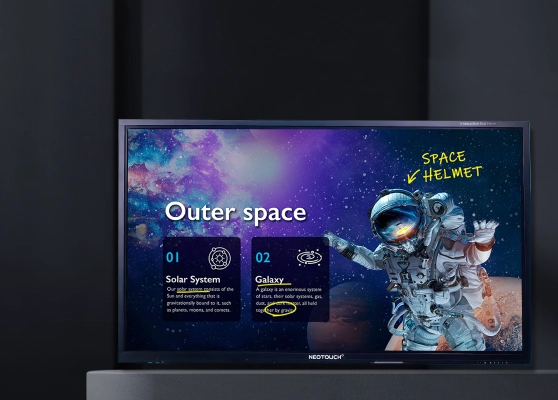
Neotouch Interactive Flat Panel for Smart Classrooms & Meeting Rooms
- Products
- Interactive Flat Panel Display (IFPD), OPS
NEOTOUCH Interactive Classroom Solutions
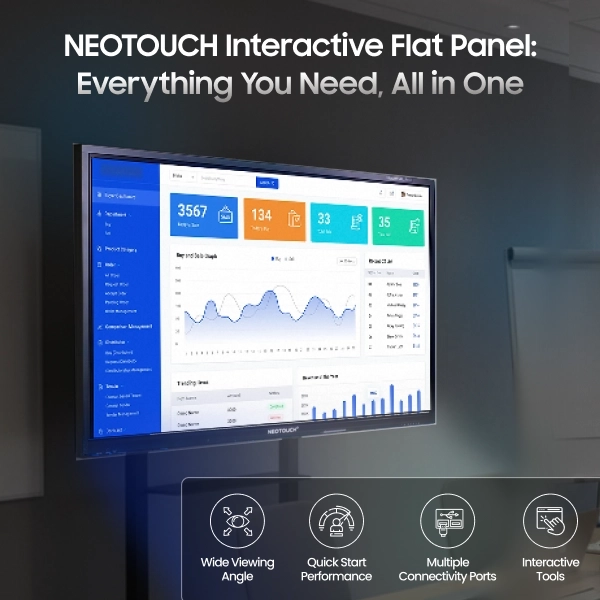
An Interactive Flat Panel (IFP) is a large touch-enabled display that combines a high-resolution screen with integrated innovative AI tools to create interactive learning, training, or meeting environments. CCInfra is a trusted channel partner of NEOTOUCH and delivers Interactive Flat Panel Displays that offer a smooth and engaging interactive experience. This India-based brand offers Google EDLA-certified smart boards that use artificial intelligence to improve teaching, training, and collaboration. Educators and trainers use the built-in tools and apps to deliver clear presentations, encourage teamwork, and support peer learning. These panels let you share information through charts, graphs, tables, and other visual aids. You can also save every note for quick review and easy sharing. NEOTOUCH Interactive Classroom Display Panels deliver reliable, high-performance solutions in classrooms, boardrooms, and training centres.
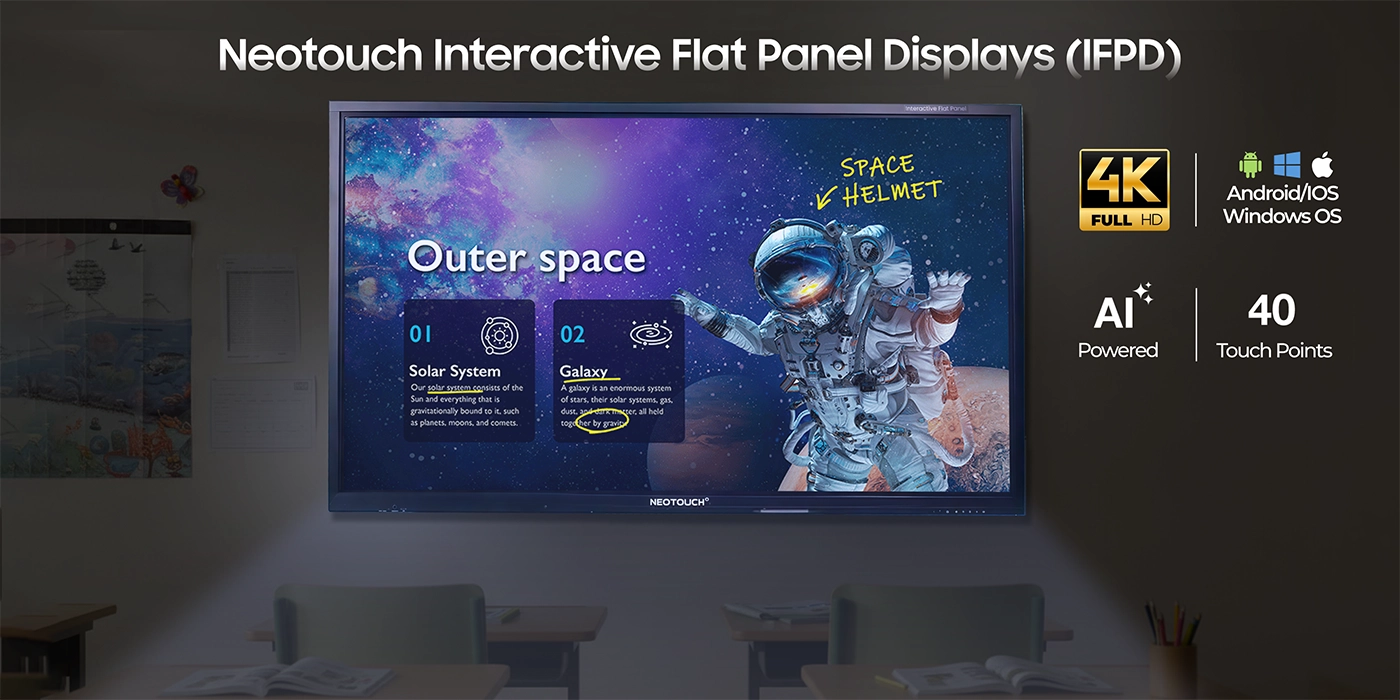
Advanced Features of Neotouch IFPDs
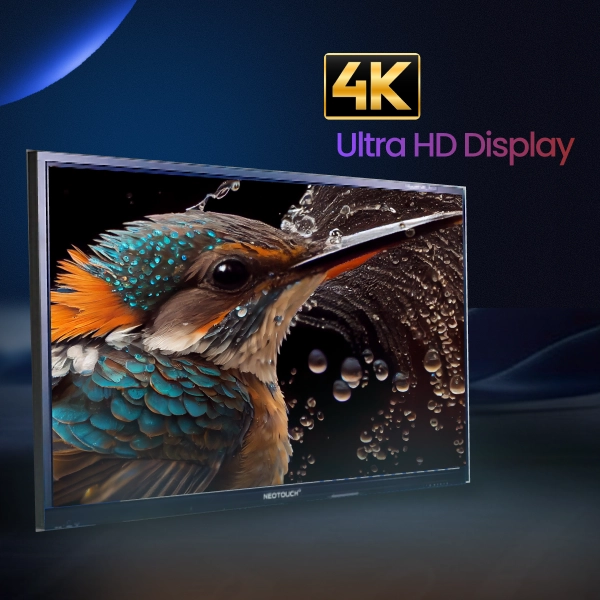
4K Ultra HD Display
Offers stunning, lifelike visuals and vibrant colors to make presentations, videos, and lessons more engaging and clear.
- Lifelike images enhance classroom or office content
- Excellent visibility from any angle in large rooms
- Ideal for charts, slides, and multimedia teaching
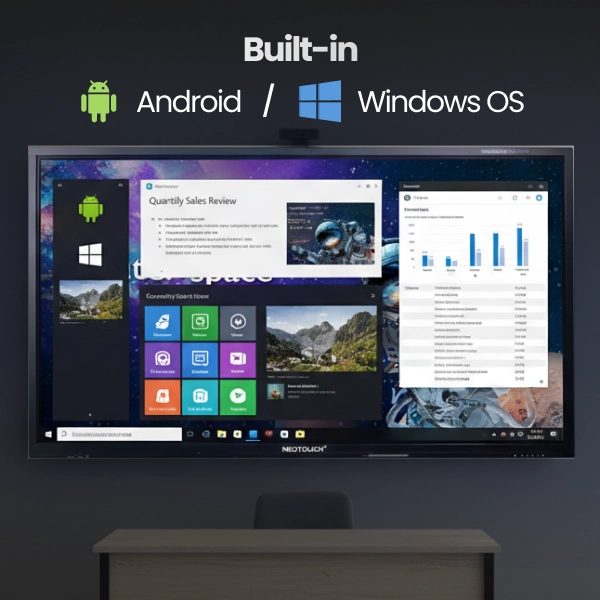
Built-in Android/Windows OS
Provides seamless access to apps, teaching tools, and multimedia content directly on the panel without extra devices.
- Run educational or corporate apps effortlessly
- Supports documents, presentations, and media files
- Eliminates dependency on external computers or laptops
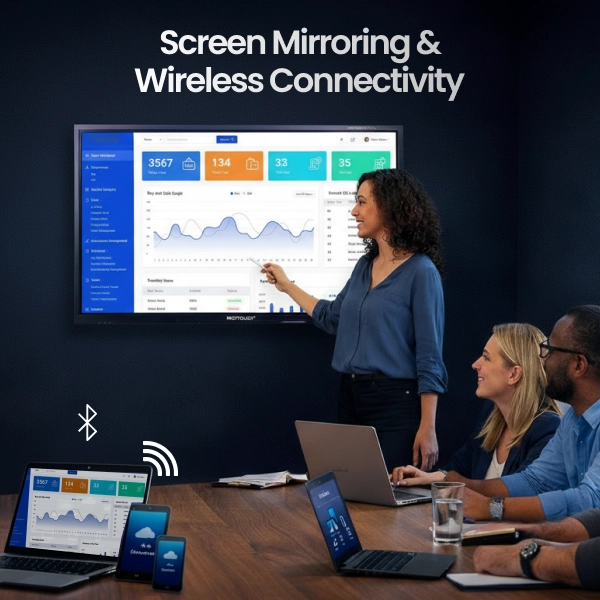
Screen Mirroring & Wireless Connectivity
Enables fast, cable-free sharing from laptops, tablets, and mobiles to enhance collaboration and group participation.
- Connect multiple devices simultaneously
- Perfect for interactive classroom or office sessions
- Quick, convenient content sharing anytime
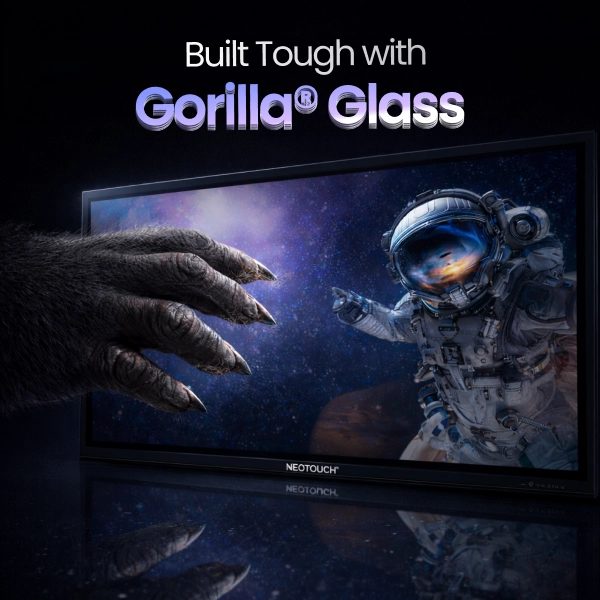
Scratch-Resistant Gorilla Glass
Durable, smooth surface resists scratches and heavy daily use, keeping the screen safe and responsive over time.
- Protects against scratches, smudges, and daily wear
- Ideal for high-traffic classrooms, offices, or meeting rooms
- Maintains a smooth and precise touch experience
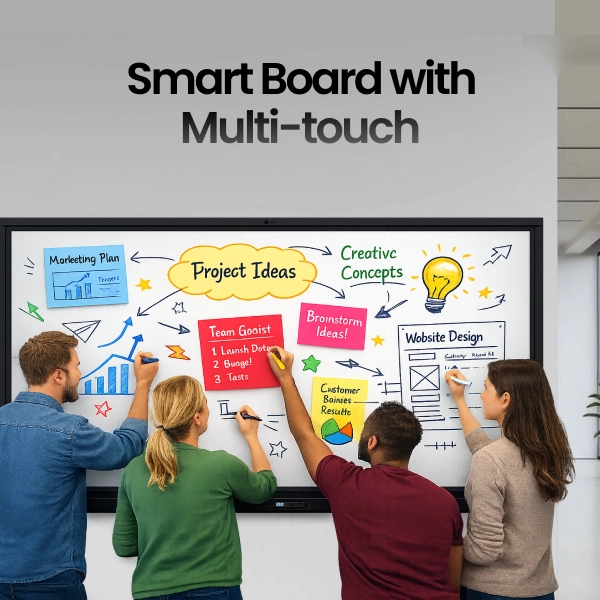
Interactive Smart Board with Multi-touch
Supports multiple users interacting at once, making collaboration, brainstorming, and group learning more effective.
- Multiple users can write, draw, or annotate simultaneously
- Encourages teamwork, participation, and engagement
- Perfect for lessons, presentations, or training sessions
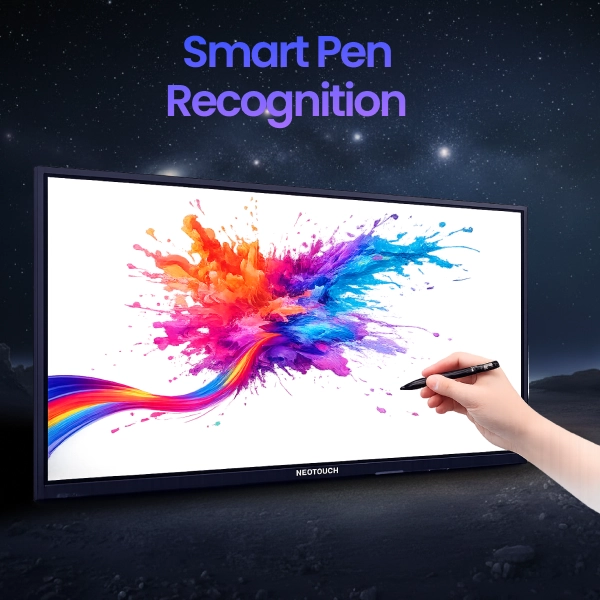
Smart Pen Recognition
Detects pen type, angle, and pressure for a natural and precise digital writing experience.
- Smooth handwriting and accurate drawings
- Supports different pen types and stylus inputs
- Enhances note-taking, illustration, and interactive sessions
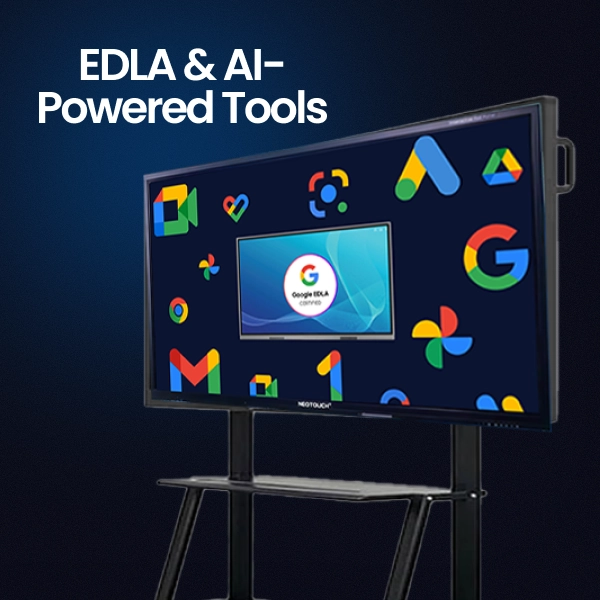
EDLA & AI-Powered Tools
Secure Google access and AI-driven features enhance learning and collaboration, making tasks smarter and more efficient.
- Automates routine tasks for teachers or staff
- Supports personalized learning insights and analytics
- Improves collaboration in classrooms and offices
All NEOTOUCH Interactive Flat Panels Include
Enhanced Annotation Tools
Annotate directly on the panel’s screen or let multiple users interact simultaneously for more engaging lessons and presentations.
Dynamic Screen Sharing
Wirelessly cast content from laptops, tablets, or mobiles. Share multiple devices at the same time for collaborative sessions.
Efficient On-Screen Utilities
Use tools like spotlight, timer, screenshot, and stopwatch to manage lessons, focus attention, and save content quickly.
Remote Management & Monitoring
IT staff can manage, update, and monitor multiple panels remotely, ensuring smooth operation and security.
Compatibility with Educational Apps
Integrates with a wide range of educational apps, digital textbooks, and online resources for interactive learning.
E-Note Digital Whiteboard Software
Provides a digital canvas for writing, drawing, annotating, and illustrating concepts in real time to boost participation.
Technical Specifications of Interactive Flat Panels
| Feature / Category | MT Series | PT Series | NT Series |
|---|---|---|---|
| Available Sizes | 65", 75", 86", 98", 110" | 65", 75", 86" | 65", 75", 86" |
| Series Positioning | Professional Grade Display Solutions | Premium Touch Interactive Panels | Next Gen Touch Technology |
| CPU | Octa core A72×4 + A53×4 (2.2GHz + 1.8GHz) | Octa core A72×4 + A53×4 (2.2GHz + 1.8GHz) | Quad core ARM Cortex A73 ×4, 1.8GHz |
| GPU | Mali G52MC3 | Mali G52MC3 | Not specified |
| RAM | 16 GB | 8 GB | 8 GB |
| ROM | 256 GB | 128 GB | 128 GB |
| Resolution | 3840×2160 at 60Hz | 3840×2160 at 60Hz | 3840×2160 at 60Hz |
| Touch Technology | Advanced Infra Red Touch | Advanced Infra Red Touch | Next Gen Touch Technology |
| Operating System | Android 14.0 | Android 14.0 | Android 14.0 |
| Speaker Output | Built in Speakers | 2 × 8Ω 20W, 100Hz to 20kHz | 2 × 8Ω / 16W |
| Wireless | Built in WiFi | Built in WiFi | WiFi 6 + Bluetooth 5.2 |
| Camera | Built in Camera | Not specified | Not specified |
| Multitouch | Yes | Yes | Yes |
| Toughened Glass | Yes | Yes | Yes |
| Ideal Use Case | Boardrooms and fixed installations | Interactive classrooms and meeting rooms | Modern touch focused environments |
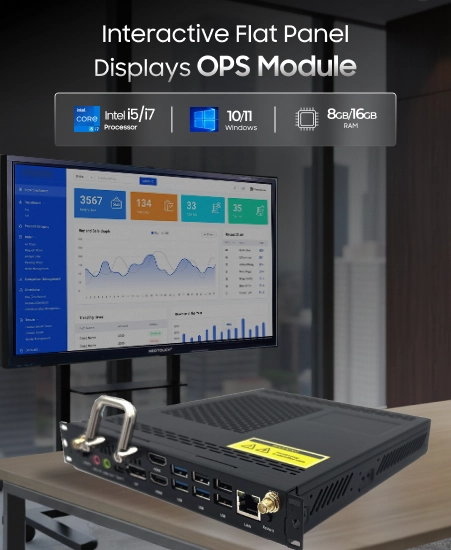
Specification of NEOTOUCH Interactive Flat Panel Displays OPS Module – Optional Add-On for Interactive Flat Panels
Enhance your Neotouch Interactive Flat Panel with the OPS (Open Pluggable Specification) Module. This compact plug-in computer adds powerful computing capabilities, supports multiple applications, and keeps your setup clean and organized. Perfect for classrooms, offices, and meeting rooms that need flexible, high-performance solutions.
Key Features
- Plugs directly into the panel’s OPS slot for easy installation
- Runs Windows, Android, and other supported applications
- Adds extra computing power without altering the panel hardware
- Supports high-resolution output for 4K interactive displays
- Minimizes cable clutter for a clean, professional setup
- Energy-efficient and low-maintenance for long-term use
- Ideal for education, corporate, and hybrid work environments
Specifications
| Category | Parameter | Details |
|---|---|---|
| Processor | CPU | Intel i5 / i7 (depending on model) |
| Memory | RAM | 8 GB / 16 GB |
| Storage | Hard Drive / SSD | 256 GB / 512 GB / 1 TB SSD |
| Graphics | GPU | Integrated Intel UHD / optional dedicated GPU |
| Operating System | OS | Windows 10 / 11 or compatible Linux distributions |
| Connectivity | Ports | HDMI, USB 3.0, LAN, Audio Out, Optional Wi-Fi/Bluetooth |
| Power | Voltage | 100-240 V AC, 50/60 Hz |
| Cooling | System | Fan or passive cooling (model-dependent) |
| Compatibility | Panel | Works with Neotouch Interactive Flat Panels with OPS slot |
| Form Factor | Size | Standard OPS dimensions for plug-in modules |
| Accessories | Included | Power cable, mounting bracket (if required), Quick Start Guide |
Applications of Interactive Flat Panel Display Systems with OPS
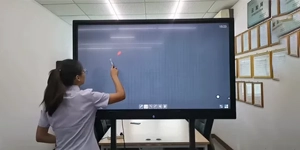
Educational Institutions (Schools & Colleges)
IFPD with OPS enhances teaching, collaboration, and hybrid learning.
- Annotate lessons, run interactive quizzes, and display multimedia
- Record sessions and manage hybrid/remote classrooms
- Track student participation and support group work
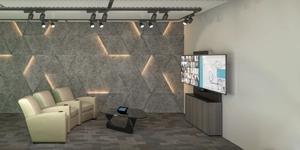
- Display 4K conferences and annotate presentations
- Run real-time analytics and secure file-sharing apps
- Facilitate multi-user collaboration and fast screen sharing
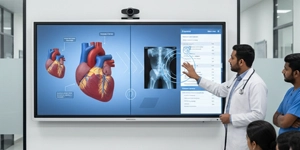
- Present high-resolution visuals and interactive simulations
- Execute diagnostic and Windows-based training software
- Log exercises and ensure consistent skill development
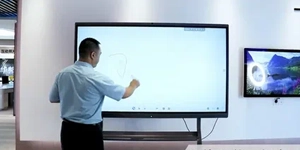
Coaching Centers & Training Institutions
IFPD with OPS improves lesson delivery, skills development, and interactive training.
- Conduct live practice sessions and interactive exercises
- Display multimedia tutorials and real-time problem-solving
- Track trainee progress and support group activities

Retail & Public Spaces
IFPD with OPS drives interactive customer engagement.
- Display dynamic signage, promotions, and surveys
- Schedule and manage content remotely
- Collect feedback and analyze shopper interactions
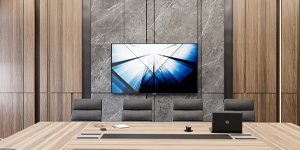
Hospitality & Events
IFPD with OPS enhances guest experience and operational flow.
- Show interactive directories, menus, and event agendas
- Enable touch-based bookings, live feedback, and app switching
- Streamline operations in fast-paced hospitality settings

Government & Public Services
IFPD with OPS improves citizen engagement and hybrid services.
- Interactive kiosks, policy visuals, and real-time displays
- Manage queries, annotations, and hybrid participation
- Facilitate town meetings and efficient public service delivery
Transportation & Logistics
IFPD with OPS optimizes planning and operations.
- Display flight boards, route maps, and schedules
- Integrate software for collaborative planning and annotations
- Improve workflow efficiency and real-time decision-making

Research & Development
IFPD with OPS accelerates innovation and collaborative work.
- Visualize data and run specialized R&D software
- Annotate experiments and 3D models interactively
- Share findings securely and support team brainstorming
Why Buy CCInfra's NEOTOUCH Interactive Flat Panel in India?

Interactive & Engaging
Touch-enabled panels with smooth annotation enhance learning, meetings, and collaborative sessions across all sectors.

Powerful OPS Performance
Expert teams design customized digital display and self service kiosk deployments aligned with secto Built-in OPS runs apps, analytics, video conferencing, and software seamlessly for productive, high-tech workflows.

Versatile Applications
Ideal for education, corporate, medical, retail, hospitality, government, transport, and research environments.

Reliable & Future-Ready
BIS-certified, 4K IPS panels with tempered glass, modular OPS, and flexible installation for long-term use.
Projects Completed
Satisfied Clients
Students Benefited
Years of Experience
What Our Customers Say About Our Interactive Digital Solutions
Best option for all classrooms. It's convenient & easy to access. Mr Sakthivel sir had demonstrated the Neotouch smart board, its options and access. It was too good.
 Rajesh Balakrishnan
CCInfra’s commercial tv has a really stunning and buttery smooth touch response. I really loved it.
Maiyarasu
It’s really an amazing product for learning, it has all the features in the writing board , like easily writing and saving the notes, the same notes can be shared in a fraction of time to the students. So much user friendly to take online and offline classes. Thanks for providing a wonderful product!!
 Madhavi Idhra
CCInfra’s commercial tv has a really stunning and buttery smooth touch response. I really loved it.
Maiyarasu
Schedule a Demo to Experience Seamless Interactive Panels
Book a live session with our specialists to see Android whiteboarding and OPS-powered Windows workflows in action, discuss configurations, and receive a tailored quotation for your campus, studio or boardroom.


Send Enquiry