Interactive Flat Panels for Schools & Colleges in Tamil Nadu
- Products
- Interactive Flat Panels
- Educational Institutions
Neotouch Smart Classroom Interactive Flat Panels in Tamil Nadu
Schools and colleges are moving toward digital education to meet evolving academic standards. The conventional blackboards and projectors may restrict visibility and interaction. The Interactive Flat Panels provide an effective touch-enabled display solution that enables educators to write and make annotations on the screen, making learning easier and more understandable.
CCInfra is an authorized distributor of Neotouch, providing effective Interactive Flat Panel solutions specifically designed for schools and colleges. Institutions benefit from genuine products, professional guidance and dependable support that help create modern smart classrooms across Tamil Nadu.
This solution is ideal for:
- CBSE / ICSE Schools
- International Schools
- Engineering Colleges
- Arts & Science Colleges
- Polytechnic Institutions
What is a Neotouch Interactive Flat Panel?
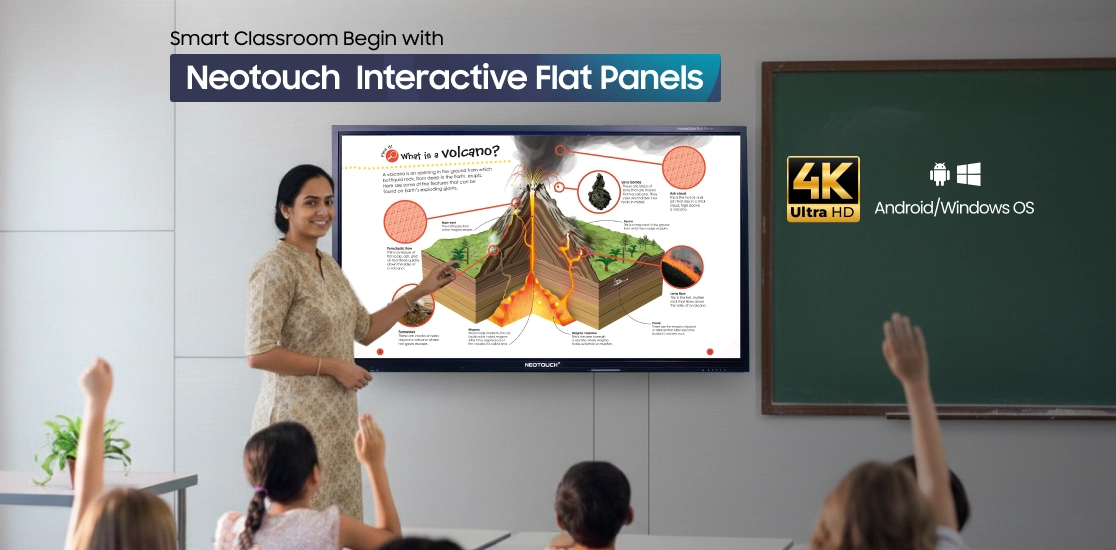
A Neotouch Interactive Flat Panel (IFPD) is a large touch-enabled display that combines the functions of a digital whiteboard, projector, computer and collaboration platform in a single device. It enables educators to deliver dynamic, technology-driven lessons while simplifying classroom operations and improving student participation.

Teachers can use an Neotouch Interactive Flat Panel to:
- Write and draw directly on the screen using a stylus or finger for live explanations
- Display presentations, PDFs, and teaching materials clearly for the entire classroom
- Play educational videos, animations, and multimedia content to enhance concept understanding
- Annotate documents or highlight key information during live teaching sessions
- Conduct online or hybrid classes using built-in conferencing and screen-sharing features
- Save lesson notes digitally and share them instantly with students for later reference
How Neotouch IFPDs Solve Modern Classroom Challenges?
Neotouch Interactive Flat Panel Displays address these challenges with superior brightness, wide viewing angles, durable hardware, and built-in smart features that enhance engagement and simplify classroom management.
-
Limited Student Attention During Lectures
Traditional teaching methods often fail to keep students actively engaged.
-
Poor Visibility from Back Benches
Small screens and low brightness reduce clarity for distant learners.
-
Frequent Projector Maintenance Issues
Bulb failures and alignment problems interrupt lessons and waste time.
-
Lack of Interactive Teaching Tools
Without touch-enabled tools, teachers struggle to encourage participation.
-
Difficulty Conducting Hybrid Classes
Inadequate technology limits seamless collaboration between in-person and remote students.
Features of Neotouch Interactive Flat Panel Displays (IFPD)

4K Ultra HD Display
Produces sharp visuals and vibrant colors for an immersive viewing experience.

Built-in Android and Windows Compatibility
Runs applications directly on the panel without the need for external computers.

Screen Mirroring and Wireless Connectivity
Allows fast and cable free content sharing from laptops, tablets, and mobile devices.

Scratch Resistant Gorilla Glass
Protects the screen from daily wear while maintaining smooth touch response.

Interactive Smart Board with Multi Touch
Supports multiple users writing or interacting at the same time.

Smart Pen Recognition
Detects pen pressure and angle for natural and precise writing.

EDLA and AI Powered Tools
Enables secure access to Google services and intelligent tools that enhance productivity and collaboration.

Wide Viewing Angle
Ensures content remains clear and readable from every corner of the room.

Fast Startup
Allows the panel to turn on quickly and be ready for use without delays.

Multiple Connectivity Ports
Includes HDMI, USB, VGA, and LAN ports for easy wired device connections.

Remote Control Operation
Enables convenient control of the panel during presentations or lessons.

Adjustable Brightness and Contrast
Adapts easily to different lighting conditions for better visual comfort.

Flexible Installation Options
Supports wall mounting or stand installation based on room layout.

Built-in Clock and Calendar
Helps manage schedules efficiently in classrooms and offices.

Multi Language Support
Supports regional and international languages for diverse user groups.

Screen Freeze and Snapshot
Allows users to pause content or capture screens for quick reference.

On Screen Annotation
Makes it easy to mark, highlight, or explain content during live sessions.

USB Plug and Play
Provides instant access to external drives without complex setup.

Integrated Speakers and Audio Support
Delivers clear and balanced sound for videos, meetings, and classes.
Smart Classroom Benefits for Schools and Colleges
Improves Student Engagement
Interactive teaching methods encourage participation, keeping students attentive and actively involved throughout classroom sessions.
Better Learning Outcomes
Multimedia lessons help students grasp complex concepts faster and retain information more effectively.
Supports Hybrid & Online Teaching
Teachers can conduct live, remote, and hybrid classes smoothly, ensuring uninterrupted learning across locations.
Reduces Maintenance Costs
Long-life display technology eliminates frequent projector lamp replacements and reduces ongoing maintenance expenses.
Improves Institution Reputation
Smart classroom infrastructure positions institutions as modern learning centers, attracting students, parents, and academic partnerships.
Applications of Neotouch Interactive Panels Across Education Levels
Smart Board Teaching
- Visual storytelling improves early concept understanding
- Teachers write, draw, and explain interactively
- Students participate directly through touch-based activities
Animated Learning Modules
- Animated lessons simplify complex foundational topics
- Visual explanations improve memory retention
- Multimedia learning keeps young students engaged longer
Interactive Quizzes
- Real-time quizzes measure student understanding instantly
- Gamified activities increase classroom participation
- Teachers receive immediate performance feedback
Science & Mathematics Demonstrations
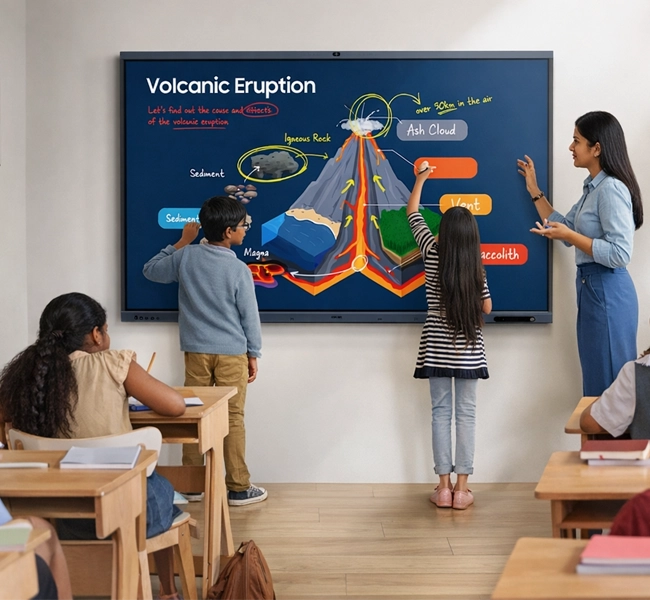
- Step-by-step problem-solving improves conceptual clarity
- Graphs, formulas, and diagrams display with precision
- Live annotations help explain complex calculations
Digital Lab Simulations
- Virtual experiments reduce laboratory limitations
- Safe simulation environments support repeated practice
- Students visualize scientific processes more effectively
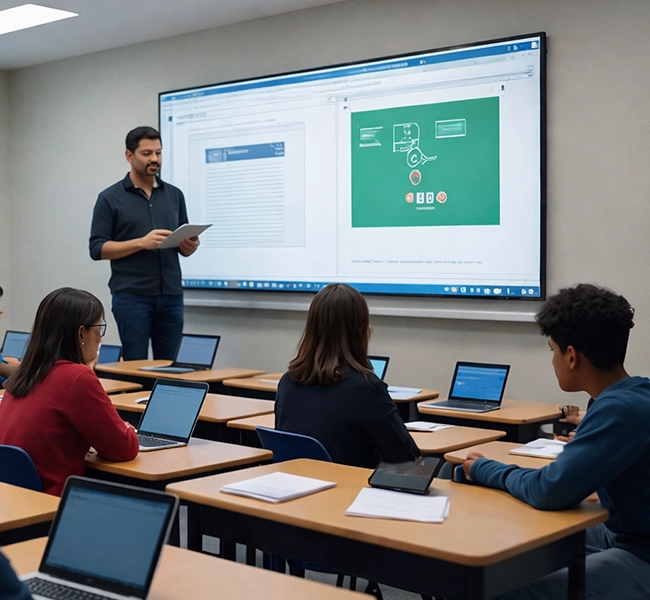
Engineering Design Explanations
- Detailed technical drawings display with high clarity
- Faculty annotate designs during live teaching
- Collaborative problem-solving enhances technical learning
Medical Image Presentations
- High-resolution displays support clinical case discussions
- Detailed image zooming improves diagnostic learning
- Real-time annotations aid academic presentations
Seminar and Workshop Sessions
- Interactive presentations improve audience engagement
- Screen sharing supports guest lectures and training
- Recorded sessions allow later review and knowledge sharing

Lecture & Seminar Presentations
- Display complex slides, charts, and research visuals with clarity
- Annotate in real-time to highlight key points during lectures
- Facilitate interactive Q&A and discussion sessions
Engineering & Technology Labs
- Demonstrate CAD designs, circuit diagrams, and simulations interactively
- Support multi-user collaboration on projects and lab work
- Provide safe, repeatable virtual simulations for experiments
Research & Data Analysis
- Visualize large datasets, graphs, and statistical models effectively
- Enable real-time annotations for research discussions and peer reviews
- Share research findings wirelessly across devices and departments
Workshops & Skill Development
- Conduct hands-on workshops with live digital tools and interactive exercises
- Allow students to collaborate and present projects directly on the panel
- Integrate educational software and AI-driven tools for advanced learning
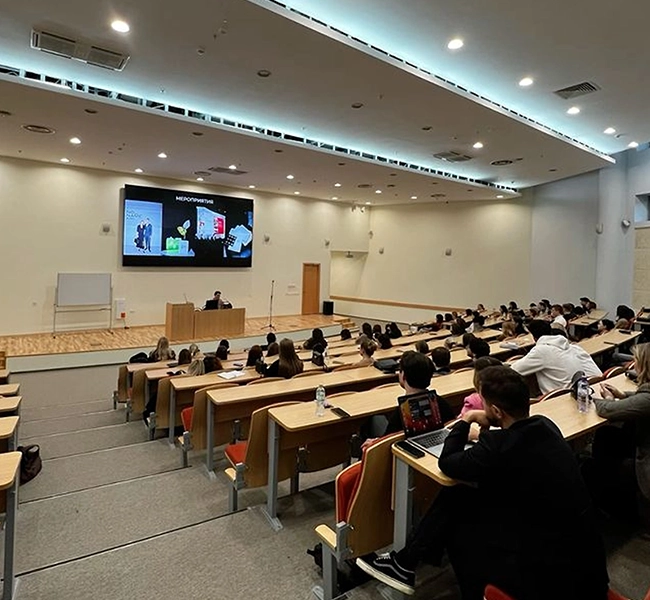
Available Sizes & Classroom Suitability
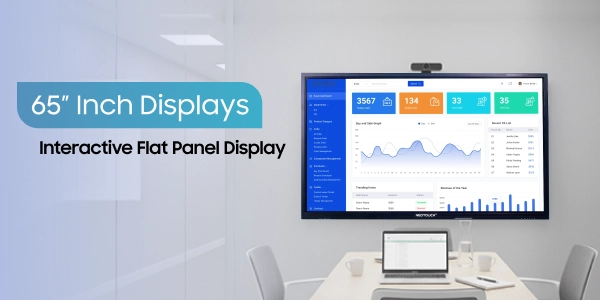
65 Inch Displays
- Ideal for small classrooms and training rooms
- Provides clear visibility for up to 30 students
- Suitable for compact learning environments with shorter viewing distances
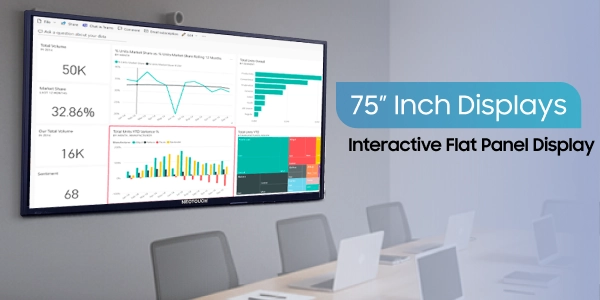
75 Inch Displays
- Designed for medium-sized classrooms and lecture spaces
- Ensures comfortable visibility for 30–50 students
- Balances screen size and viewing clarity for regular academic sessions
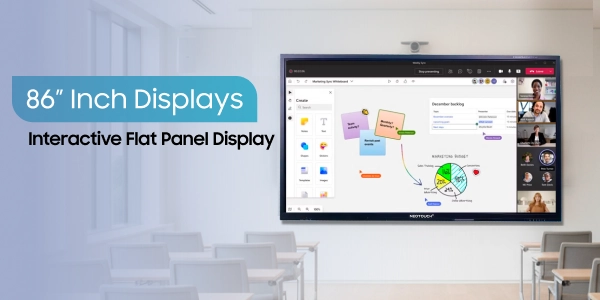
86 Inch Displays
- Best suited for large classrooms, seminar halls, and lecture theatres
- Delivers wide-angle visibility for larger student groups
- Recommended for institutions conducting presentations, workshops, and large-scale teaching sessions
Complete Installation and Training Support
CCInfra provides end-to-end deployment assistance to ensure smooth classroom implementation and reliable long-term performance. Our support includes:
This comprehensive support approach ensures institutions experience uninterrupted usage and long-term technology reliability.

-
1
On-site Installation
Professional setup to ensure optimal display positioning and system configuration
-
2
Wall Mounting or Stand Installation
Secure mounting solutions based on classroom requirements
-
3
Basic Teacher Training
Hands-on guidance to help educators operate panels confidently
-
4
Warranty Support
Standard manufacturer-backed warranty for dependable product protection
-
5
After-Sales Service
Dedicated technical assistance for maintenance and ongoing operational support
Why Choose Neotouch IFPDs for Smart Classroom Solutions?

Competitive Pricing
Transparent pricing ensures institutions access advanced classroom technologies within budget while maintaining quality, performance, and long-term value consistently across deployments.

Quick Delivery
Efficient logistics enable rapid delivery and installation readiness, minimizing classroom disruption and ensuring academic schedules remain uninterrupted throughout implementation phases nationwide.

Technical Support Team
Our dedicated technical specialists provide prompt troubleshooting, preventive maintenance, and continuous operational assistance, ensuring systems perform reliably every day consistently.

Demo Availability
Live product demonstrations allow educators to evaluate performance, usability, and classroom suitability before procurement decisions, ensuring confident technology investments institutionwide.

Experience in Educational Installations
Extensive experience implementing smart classroom solutions across schools, colleges, and universities enables precise planning, integration, and scalable deployments successfully nationwide.

Multi-Brand Technology Options
Multi-brand partnerships provide flexible product choices, allowing institutions to select optimal technology combinations tailored to evolving academic requirements efficiently.
Projects Completed
Satisfied Clients
Students Benefited
Years of Experience
What Our Customers Say About Our Interactive Digital Solutions
Best option for all classrooms. It's convenient & easy to access. Mr Sakthivel sir had demonstrated the Neotouch smart board, its options and access. It was too good.
 Rajesh Balakrishnan
CCInfra’s commercial tv has a really stunning and buttery smooth touch response. I really loved it.
Maiyarasu
It’s really an amazing product for learning, it has all the features in the writing board , like easily writing and saving the notes, the same notes can be shared in a fraction of time to the students. So much user friendly to take online and offline classes. Thanks for providing a wonderful product!!
 Madhavi Idhra
CCInfra’s commercial tv has a really stunning and buttery smooth touch response. I really loved it.
Maiyarasu
Upgrade Your Classrooms with Neotouch Interactive Flat Panels
Transform teaching experiences with advanced interactive display solutions designed to improve engagement, simplify instruction, and future proof your classrooms.


Send Enquiry