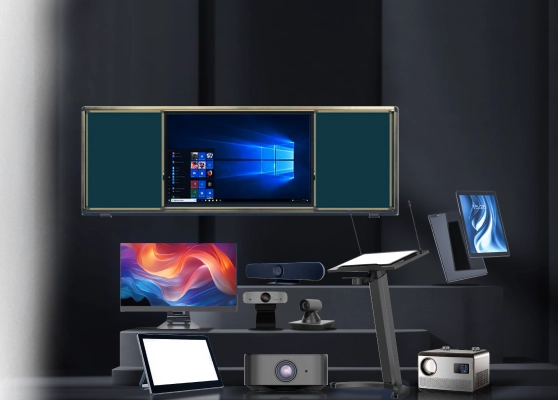
Interactive Flat Panels for Coaching Centres in Tamil Nadu
- Products
- Interactive Flat Panels
- Coaching Centres / Training Institutes
Neotouch Interactive Flat Panels For Training Institutions
Coaching centres and training institutes should use Interactive Flat Panel Displays because they improve teaching clarity, engagement and learning outcomes. Trainers need clear visuals, fast explanations and interactive tools to explain concepts effectively. Neotouch Interactive Flat Panels support live teaching, problem solving and digital content delivery. With CCInfra as a trusted solution partner institutes receive smooth installation, user training and ongoing support. This combination helps trainers teach better, students learn faster and institutes deliver consistent results.
This solution is ideal for:
- Coaching centres for competitive exams
- Skill development and vocational training institutes
- Corporate training academies
- Language and communication training centres
- Computer and IT training institutes
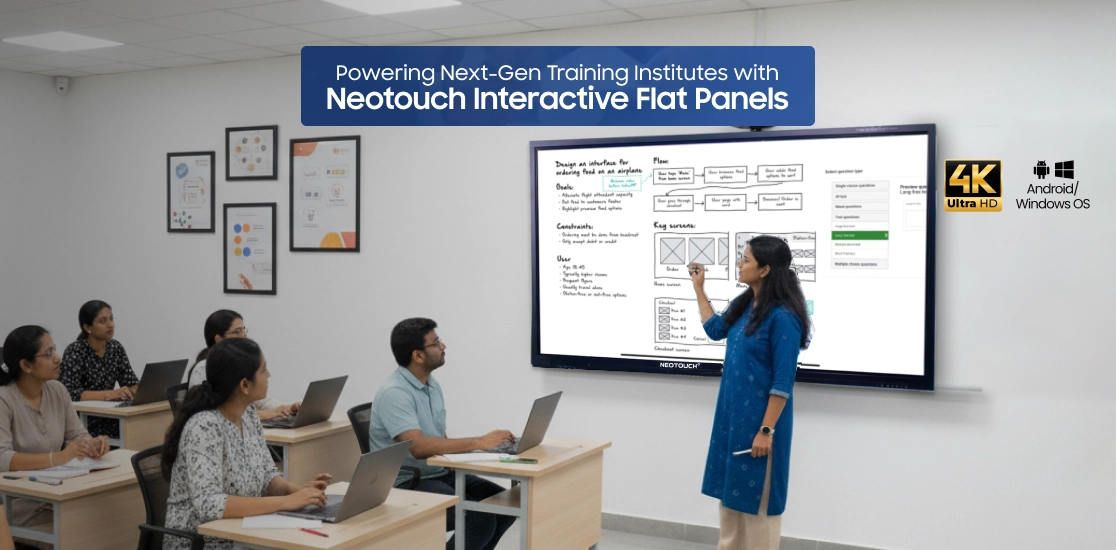
What is a Neotouch Interactive Flat Panel?
A Neotouch Interactive Flat Panel (IFPD) is a large touch-enabled display that combines the functions of a digital whiteboard, projector, computer and collaboration platform in a single device. It enables educators to deliver dynamic, technology-driven lessons while simplifying classroom operations and improving student participation.
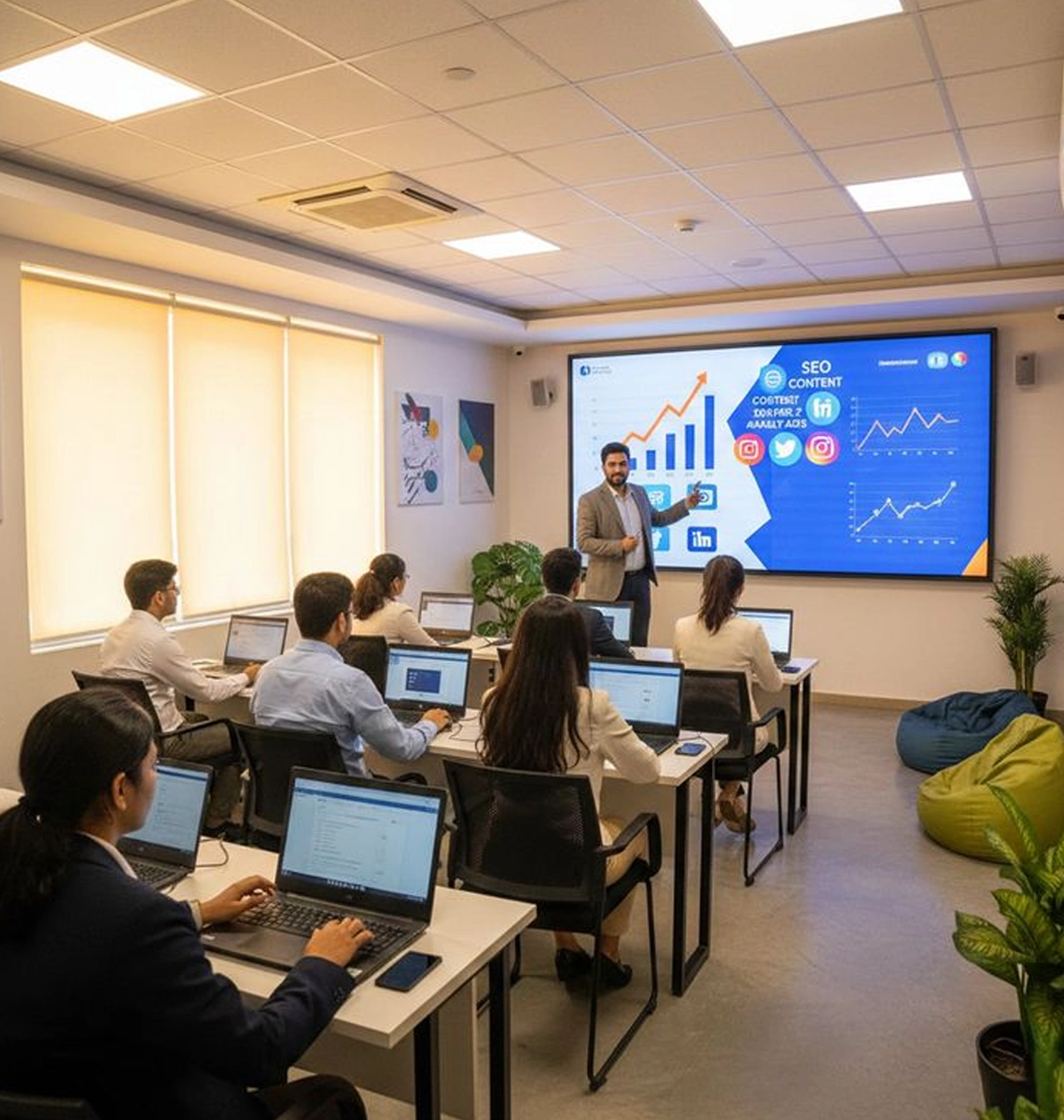
Trainers can use Neotouch IFPDs to:
- Explain concepts formulas and processes using visuals
- Display presentations PDFs videos and study material clearly
- Write solve and annotate problems live during sessions
- Conduct online and hybrid training programs smoothly
- Save session notes and share learning content instantly
Common Challenges in Coaching Institutes & How IFPDs Solve Them
Interactive Flat Panels solve these issues through touch based teaching wireless sharing and instant collaboration which improves learning effectiveness.
-
Low Student Engagement During Classes
Traditional boards reduce interaction and attention.
-
Difficulty Explaining Complex Concepts
Static teaching methods limit clarity.
-
Time Loss Switching Between Tools
Multiple devices slow down teaching flow.
-
Challenges in Online and Hybrid Training
Separate tools make blended learning difficult.
-
Limited Content Sharing After Sessions
Students miss access to revision material.
Features of Neotouch Interactive Flat Panel Displays (IFPD)

4K Ultra HD Display
Produces sharp visuals and vibrant colors for an immersive viewing experience.

Built-in Android and Windows Compatibility
Runs applications directly on the panel without the need for external computers.

Screen Mirroring and Wireless Connectivity
Allows fast and cable free content sharing from laptops, tablets, and mobile devices.

Scratch Resistant Gorilla Glass
Protects the screen from daily wear while maintaining smooth touch response.

Interactive Smart Board with Multi Touch
Supports multiple users writing or interacting at the same time.

Smart Pen Recognition
Detects pen pressure and angle for natural and precise writing.

EDLA and AI Powered Tools
Enables secure access to Google services and intelligent tools that enhance productivity and collaboration.

Wide Viewing Angle
Ensures content remains clear and readable from every corner of the room.

Fast Startup
Allows the panel to turn on quickly and be ready for use without delays.

Multiple Connectivity Ports
Includes HDMI, USB, VGA, and LAN ports for easy wired device connections.

Remote Control Operation
Enables convenient control of the panel during presentations or lessons.

Adjustable Brightness and Contrast
Adapts easily to different lighting conditions for better visual comfort.

Flexible Installation Options
Supports wall mounting or stand installation based on room layout.

Built-in Clock and Calendar
Helps manage schedules efficiently in classrooms and offices.

Multi Language Support
Supports regional and international languages for diverse user groups.

Screen Freeze and Snapshot
Allows users to pause content or capture screens for quick reference.

On Screen Annotation
Makes it easy to mark, highlight, or explain content during live sessions.

USB Plug and Play
Provides instant access to external drives without complex setup.

Integrated Speakers and Audio Support
Delivers clear and balanced sound for videos, meetings, and classes.
Benefits of Interactive Flat Panels for Training Institutes
Better Student Engagement
Interactive teaching keeps learners involved throughout sessions.
Clear Visualization of Concepts
High resolution displays improve understanding and retention.
Faster Class Setup
All in one design saves preparation time.
Improved Trainer Student Interaction
Live writing and annotation improve communication.
Lower Maintenance Compared to Projectors
No lamp alignment issues or frequent servicing.
Better Knowledge Sharing and Documentation
Trainers save notes and share content instantly for revision.
Applications of Neotouch IFPDs in Coaching & Training Centre
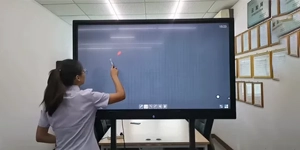
Classrooms and Training Rooms
Enhances teaching by delivering clear visuals and interactive lessons.
- Display presentations, PDFs, and videos clearly
- Annotate diagrams and solve problems live
- Improve student understanding and retention
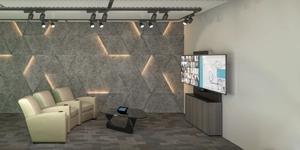
Skill Development and Corporate Training
Supports interactive workshops and professional skill sessions.
- Share content in real time with trainees
- Conduct group exercises and simulations
- Track learning progress during sessions
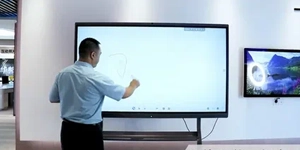
Online and Hybrid Learning Studios
Enables smooth delivery of virtual and blended learning programs.
- Conduct live online classes with screen sharing
- Record sessions for later review and revision
- Engage remote learners with interactive tools

Exam Preparation and Coaching Centres
Helps students grasp concepts faster and revise effectively.
- Solve sample questions and annotate explanations
- Play educational videos and interactive exercises
- Provide instant feedback and clarifications

Language and Communication Training
Improves engagement and participation in language learning.
- Display multimedia content for listening and speaking exercises
- Enable interactive quizzes and real-time annotations
- Support both in-person and online practice sessions

Computer and IT Training Institutes
Facilitates hands-on demonstrations and software training.
- Mirror laptops or devices for live tutorials
- Annotate steps and workflows during lessons
- Encourage collaborative problem solving in groups
Available Display Sizes for Training and Coaching Centres
65 Inch Displays
- Ideal for small coaching classrooms and focused training rooms.
- Provides clear visibility for small student batches.
- Suitable for compact learning spaces with shorter viewing distances.
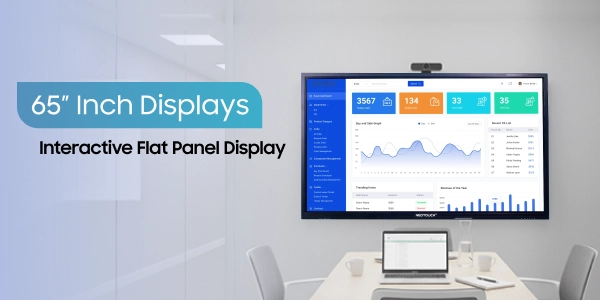
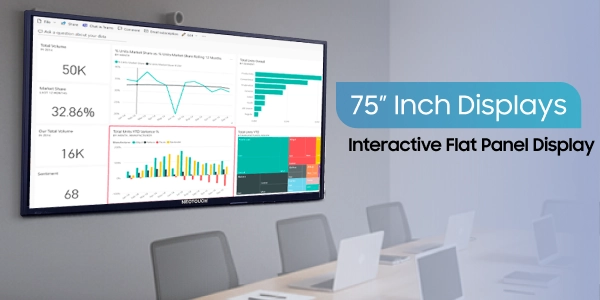
75 Inch Displays
- Designed for medium-sized classrooms and training halls.
- Ensures comfortable visibility for regular batch sizes.
- Balances screen size and clarity for daily teaching sessions.
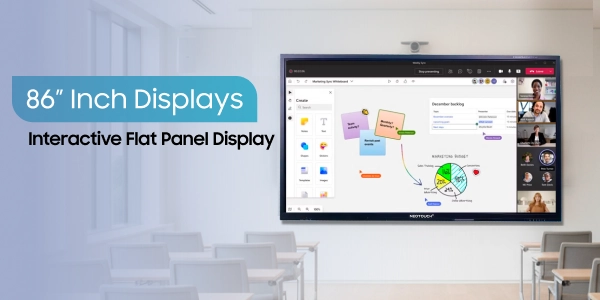
86 Inch Displays
- Best suited for large classrooms and seminar halls.
- Delivers wide-angle visibility for bigger student groups.
- Recommended for lectures, workshops, and intensive training programs.
Complete Installation and Training Support
CCInfra delivers end to end deployment support to ensure smooth workplace implementation and long term system performance.
This structured support helps organizations maintain productivity and uninterrupted collaboration.
-
1
On-site Installation
Professional installation to guarantee correct panel placement, connection, and system optimization for training settings.
-
2
Wall Mounting or Stand Installation
Mounting solutions that are solid and safe fitted to meet classroom designs and spatial needs.
-
3
Basic user training
A practical, hands-on orientation to support teachers confidently use interactive panels and operate.
-
4
Warranty Support
Manufacturer-approved warranty coverage to guarantee dependable protection and peace of mind.
-
5
After-Sales Service
For troubleshooting, maintenance, and ongoing operational efficiency, devoted technical help is available.
Why Do Training Centres Prefer Neotouch IFPs for Effective Learning?

Clear Teaching Visuals
Trainers deliver lessons with sharp, high resolution visuals, making complex concepts easy to understand for every student in the classroom.

Higher Student Engagement
Interactive touch features keep learners active and involved, encouraging participation, problem solving, and real-time collaboration during sessions.

Time Saving Teaching Tool
All-in-one panels reduce the need for multiple devices, streamlining class setup and letting trainers focus more on teaching than preparation.n.

Strong Classroom Interaction
Students and trainers can write, annotate, and discuss content together in real time, boosting collaboration and improving learning outcomes.
p>
Reliable and Low Maintenance Performance
Designed for daily classroom use, Neotouch IFPs provide long-lasting performance with minimal maintenance, ensuring uninterrupted teaching sessions.

Support for Hybrid Learning
Built-in screen sharing and conferencing tools allow smooth online and offline classes, helping institutes run blended learning programs efficiently.
Projects Completed
Satisfied Clients
Students Benefited
Years of Experience
What Our Customers Say About Our Interactive Digital Solutions
Best option for all classrooms. It's convenient & easy to access. Mr Sakthivel sir had demonstrated the Neotouch smart board, its options and access. It was too good.
 Rajesh Balakrishnan
CCInfra’s commercial tv has a really stunning and buttery smooth touch response. I really loved it.
Maiyarasu
It’s really an amazing product for learning, it has all the features in the writing board , like easily writing and saving the notes, the same notes can be shared in a fraction of time to the students. So much user friendly to take online and offline classes. Thanks for providing a wonderful product!!
 Madhavi Idhra
CCInfra’s commercial tv has a really stunning and buttery smooth touch response. I really loved it.
Maiyarasu
Transform Your Classes with Neotouch Interactive Flat Panels
Make lessons engaging and interactive with touch-enabled screens. Conduct simulations, annotate live, and help students understand complex concepts better.


Send Enquiry